05 / Rental insurance · Web app redesign
NOWO
Designing a clear web app for registration, management and invitations.
I redesigned the NOWO web app: flow architecture, UX/UI and responsive behavior for registration, evaluation, properties and invitations.
Outcome: Documented redesign · no conversion metrics
- Role
- Product Designer
- Scope
- Flow architecture · UX/UI · responsive
- Roles served
- Property owner, real estate agency and tenant
- Platforms
- Desktop and mobile
Complementary case
The challenge
The challenge: Making the product and next steps easier to understand
The goal was to improve the NOWO web app for property owners, tenants and other rental participants. The challenge was to turn long processes—registration, adding a property, invitations and evaluation—into clear workflows with understandable states and next steps.
My contribution
My contribution: Role-based workflows, from property to invitation
I redesigned the web app workflows so each role could understand what to complete, which information was reused and what came next: role-based registration, property management, property registration, rental details and invitations.
The work covered alternate states—validation, errors and recovery—as well as desktop and mobile versions.
Value proposition
Value proposition: Property, rent and invitation in one coherent experience
Guide each role through their tasks and connect properties, rental details and invitations in a coherent web experience.
Decisions and evidence
Decisions and evidence: Short stages that preserve context
Starting point
NOWO’s earlier public-facing communication is shown only as a starting point; it is not part of the web app redesign.
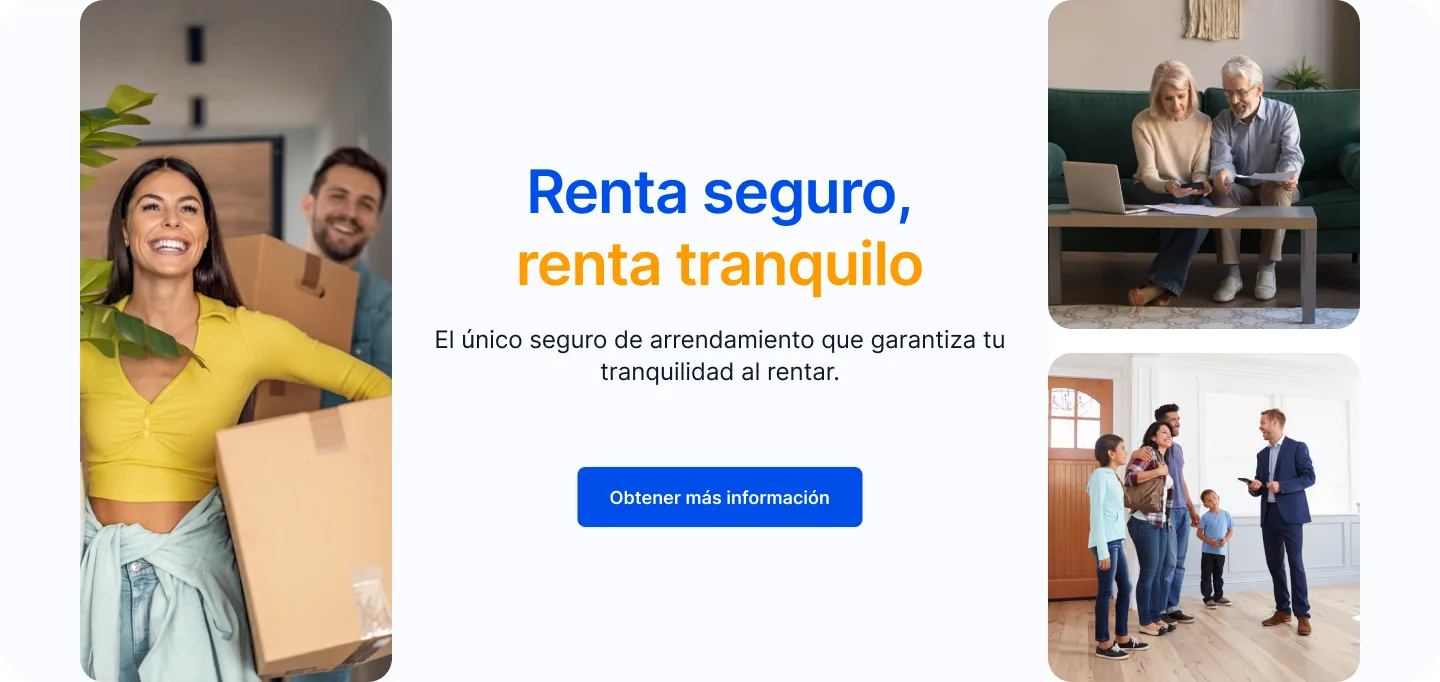

Starting point · NOWO public-facing communication · desktop and mobile (Spanish).
Property, rental details and invitation
Instead of placing the entire operation in one long form, the workflow separates intent, property details and rental conditions. This sequence is meant to reduce context switching and makes the relationship between the property and the invitation explicit.
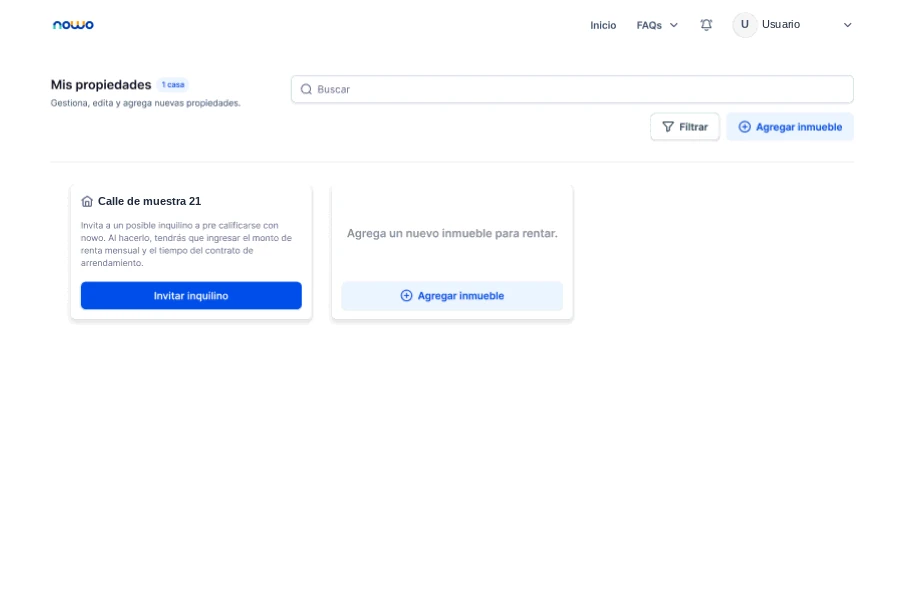
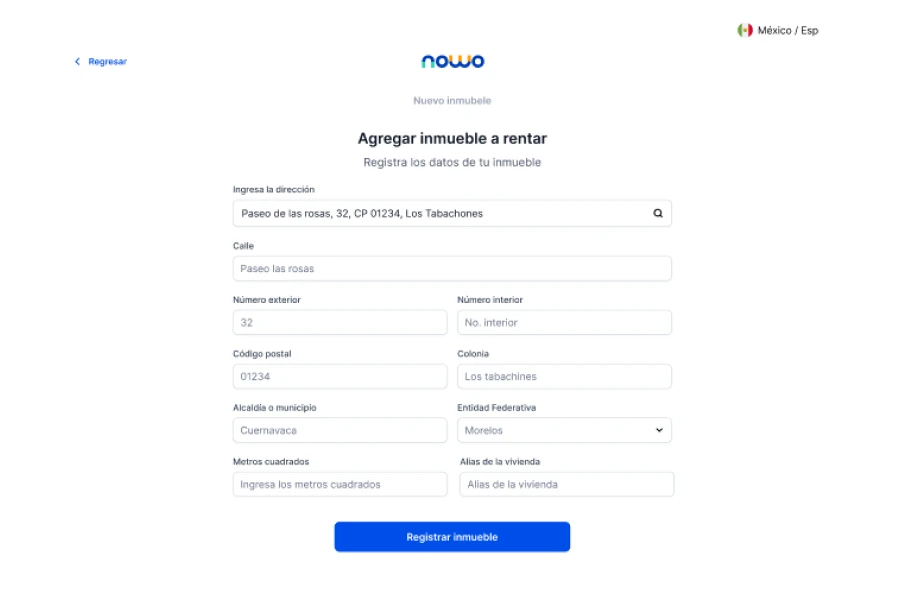
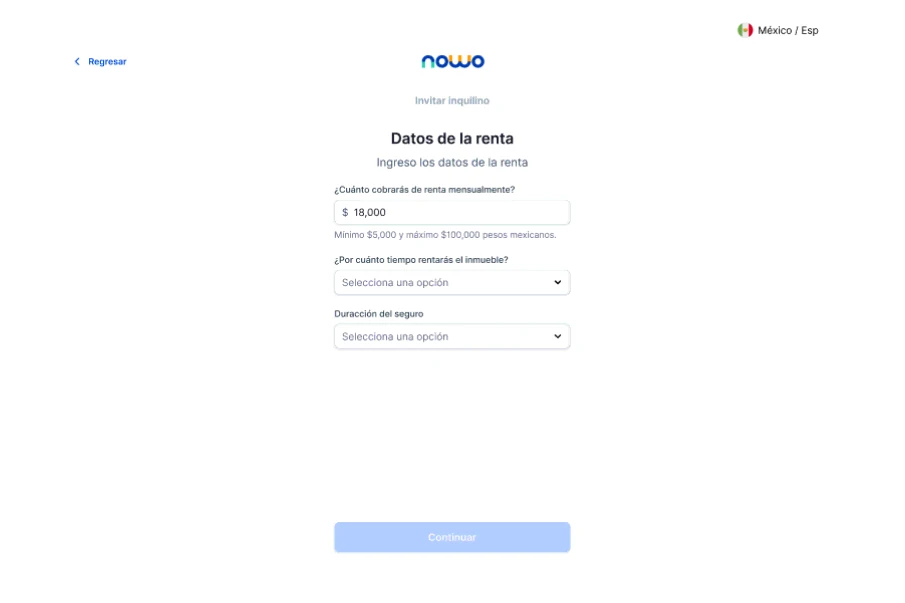
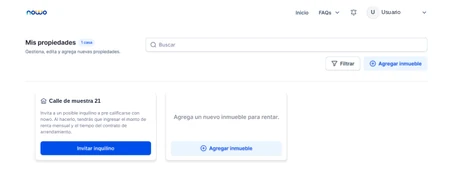
Screens from the NOWO web app redesign (Spanish UI). Visible data is treated as sample content; the user name and address were replaced.
States and responsive behavior
Each role chooses its path from registration, on mobile too. Errors are resolved in context: the message explains what happened and the action takes people back to what they need to fix.
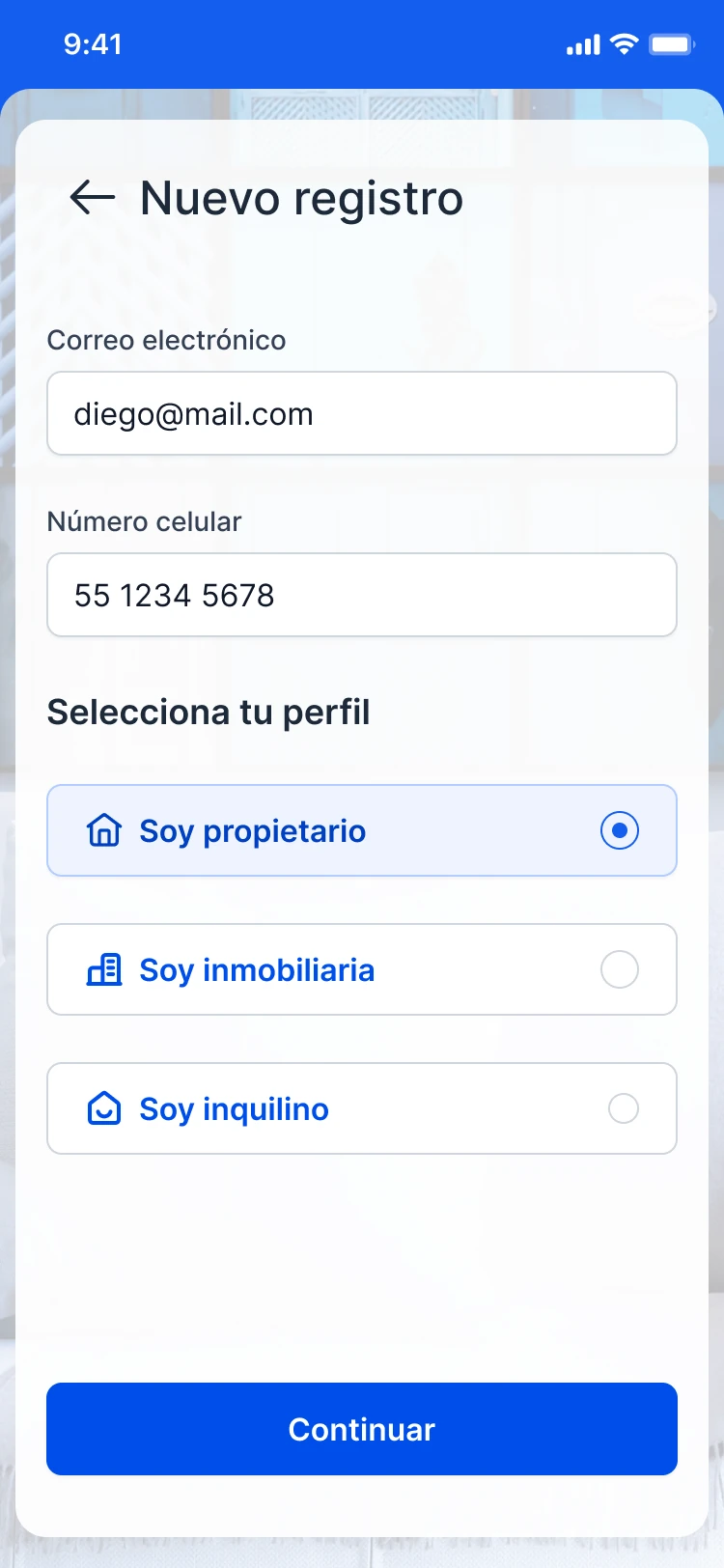
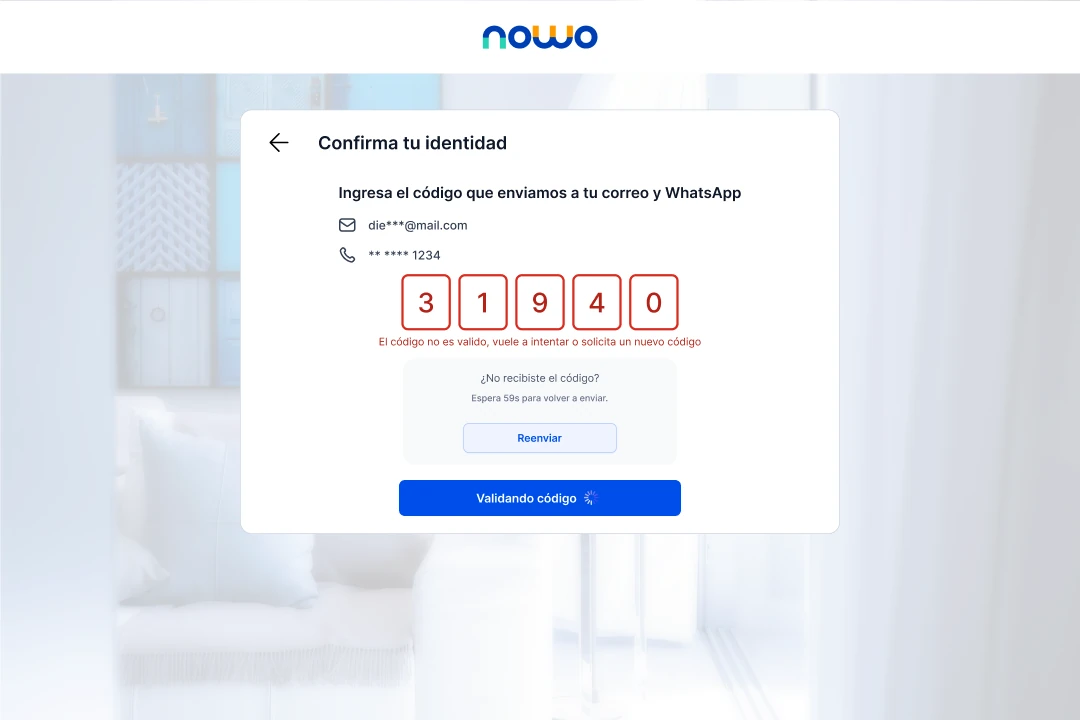
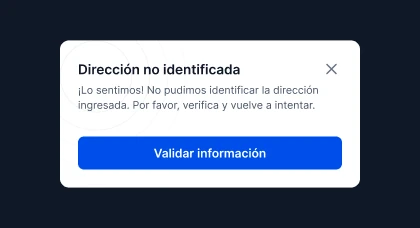
Screens from the web app redesign file · sample data (Spanish UI).
Impact and actual scope
Impact and actual scope: A web app documented from workflows to states
The redesign documented registration, evaluation, property management and invitation flows, with desktop and mobile screens, alternate states and interaction criteria. The evidence demonstrates design scope.
Learnings
Learnings: In a multi-role web app, hierarchy is also orientation
Hierarchy has to show which task belongs to each person, which information already exists and what is still needed to move forward.
What can’t be claimedwithout measurement
What can’t be claimed: Design scope, not conversion outcomes
- The reviewed files include no conversion, purchase, usage or satisfaction data.
- The case does not claim which version was released or when.
- Images of the earlier site are only the starting point; they are not part of the redesign.